


Weizmann institute utilize RSA SecurID one-time password technologies in order to provide secure authentication mechanism when accessing resources from remote.
The SecurID OTP (one-time password) is a time-based password mechanism that, in sync with our servers, provides temporary password. The OTP can be used only once and in a small time frame (one minute).
- Please note – there is no need to set a new PIN code after changing phones. You can continue using your existing code.
Installation Instructions
The following instructions applies to smartphone application based SecurID.
- Open a web browser and navigate to: https://svpn.weizmann.ac.il
- In the User name field, fill in your user ID.
- In the Password field, fill in the numbers displayed on your SecurID (step 4)
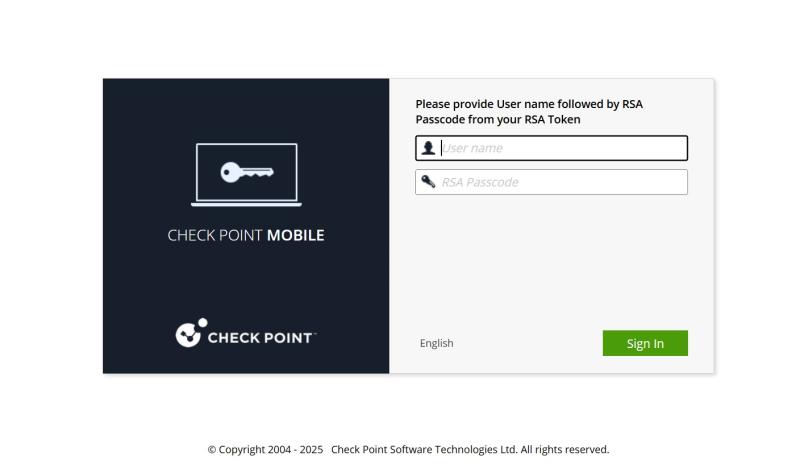
- Open your “RSA Authenticator” app on your smartphone, Do not enter any code and click "Submit".
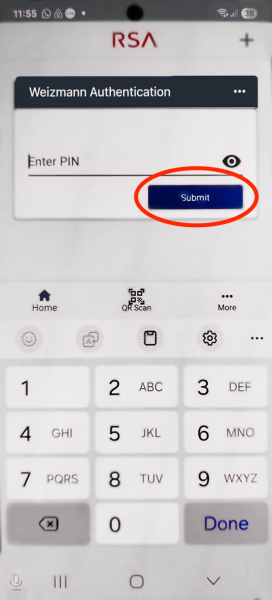
- At the browser, type the 8 numbers displayed on the screen:

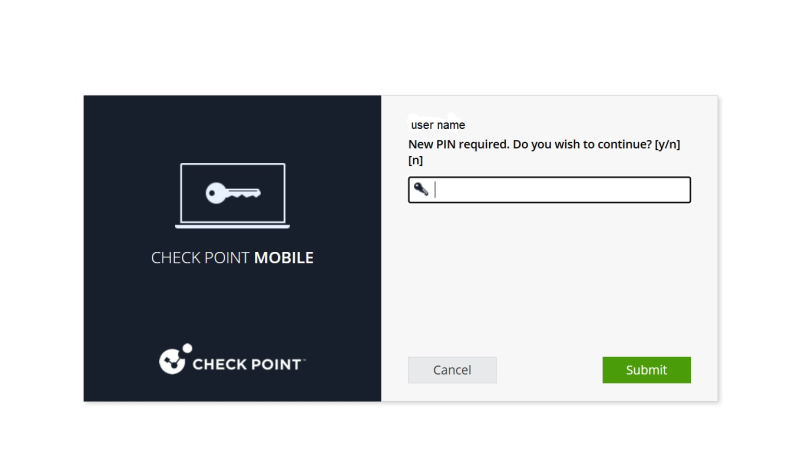
- Confirm that you wish to continue and set new PIN. Type “y” and then “Submit”.
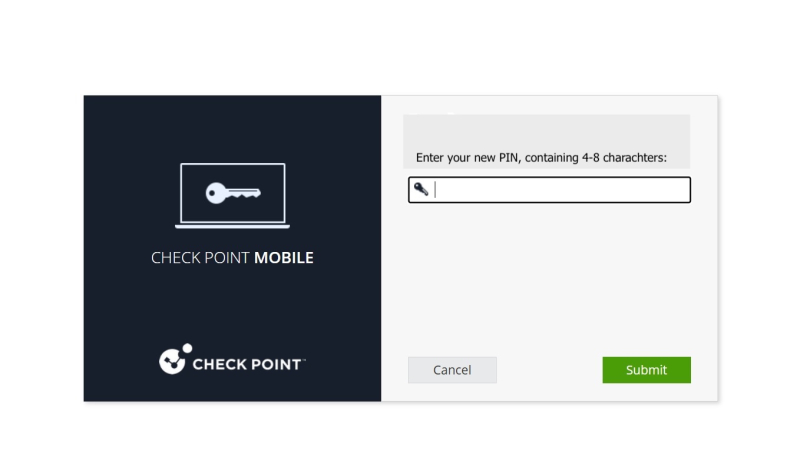
- Choose new PIN, the PIN should contain at least 4 digits. For maximum security it is advised to use 8 digits. Click “Submit” to finish the process.
-
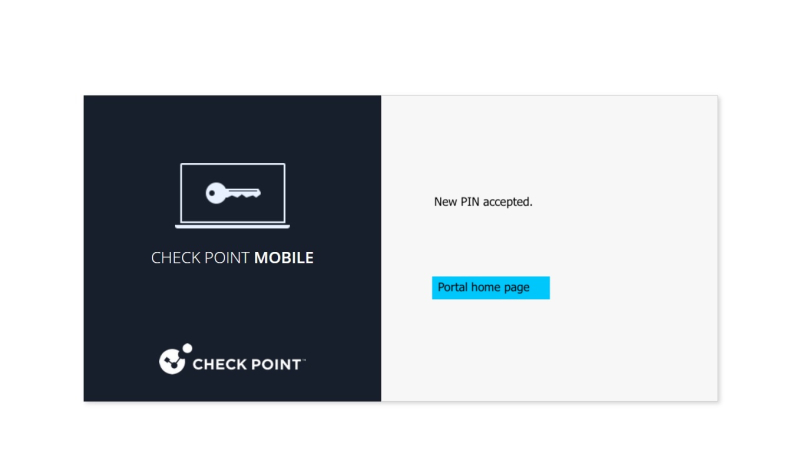
A confirmation message (“new PIN accepted”) should appear approving the successful PIN set.
-
In any case of a problem, please call our HelpDesk at 08-934-4444
Instructions for Use
When using the app on your mobile phone, enter the PIN code you set as the password to open the app.
-
Please note – even an incorrect code will display a number. If the VPN connection fails, please try again.
