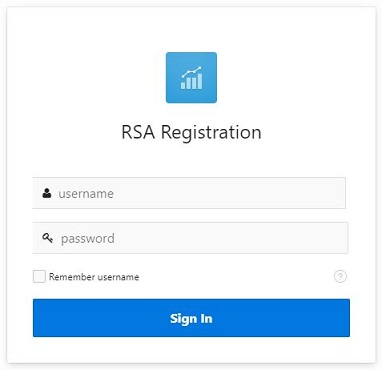
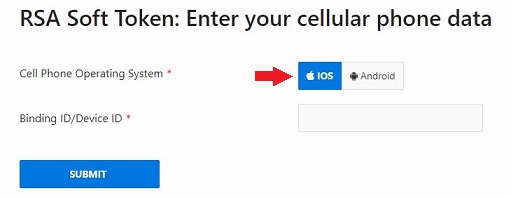
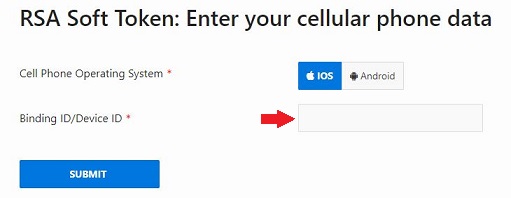
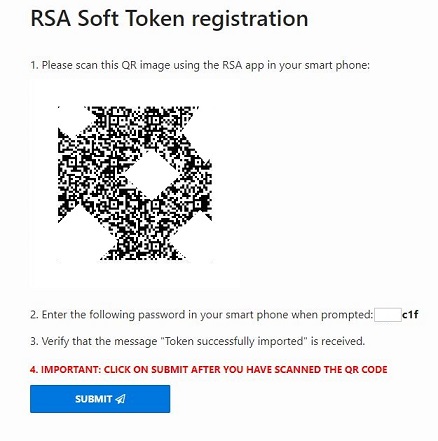
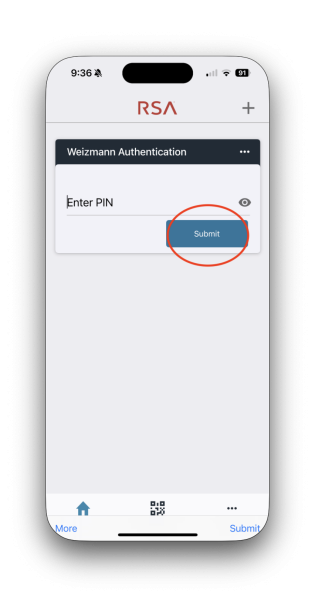
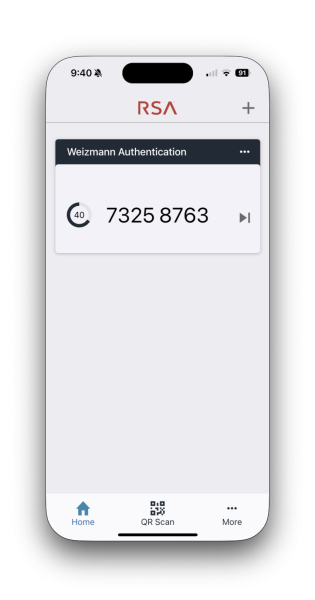
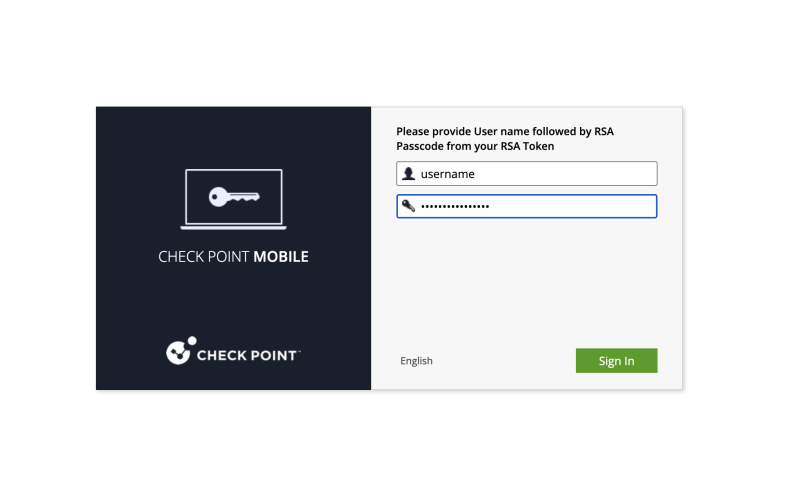
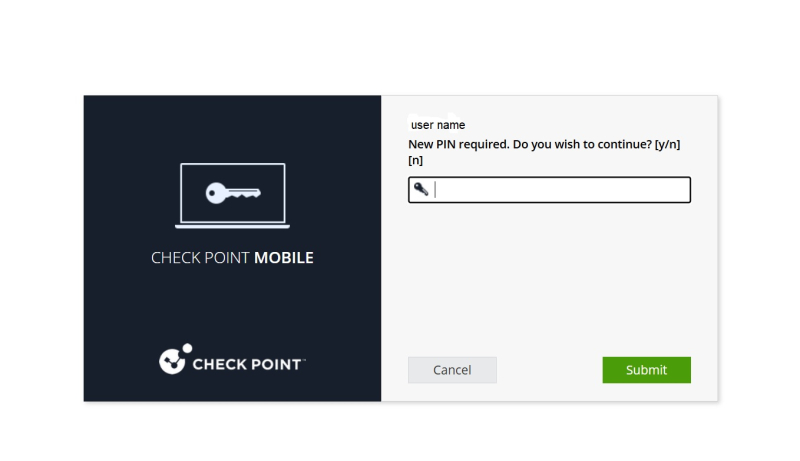
To install the RSA Authenticator app on your smartphone and submit your device ID:
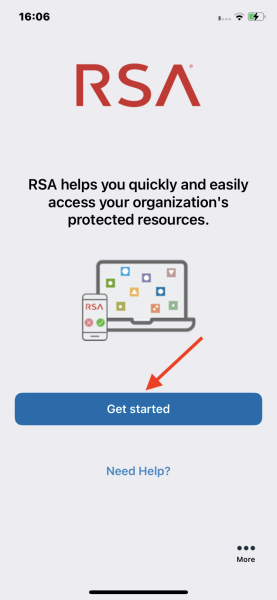
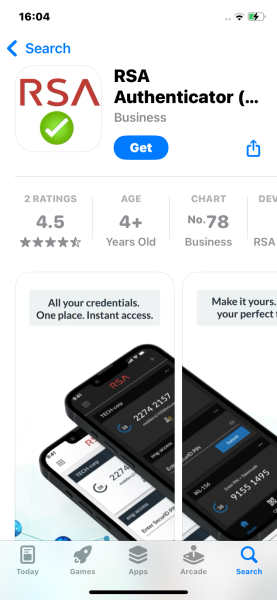
- Download the RSA Authenticator app from the Apple App Store.
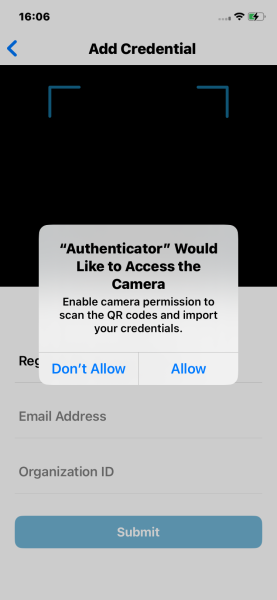
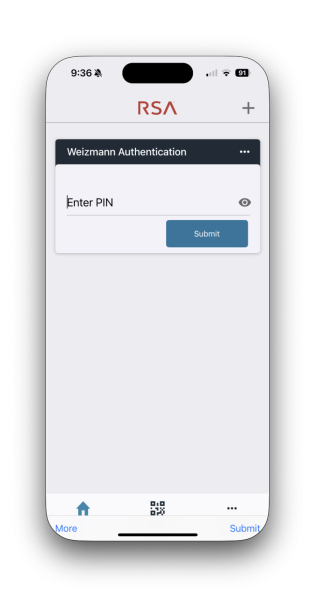
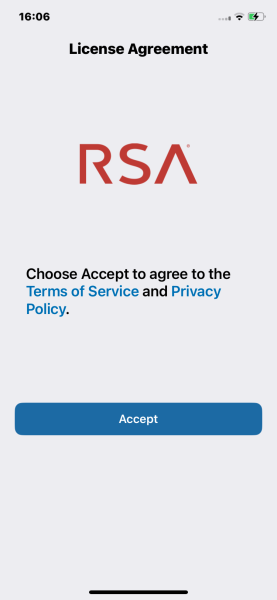
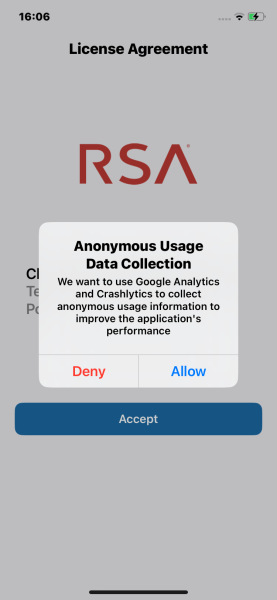
- Launch the app. When prompted to authorize access privileges for the app, tap Accept, then tap Allow.
 |
|
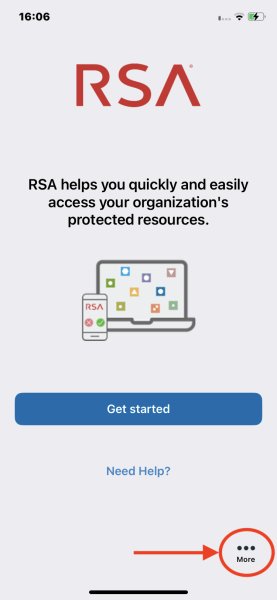
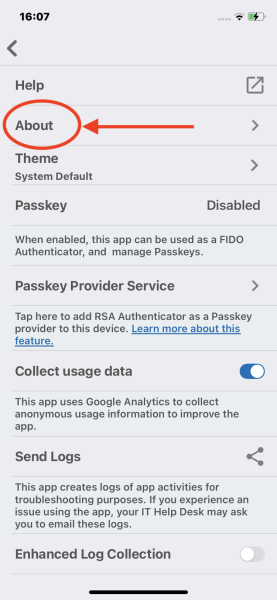
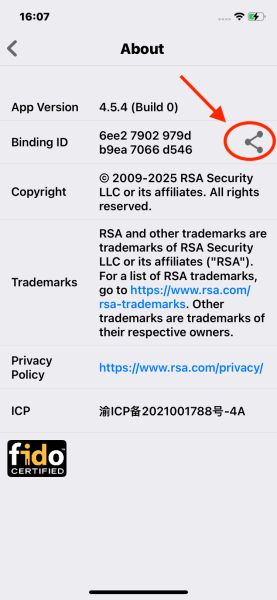
- Tap the 3-dot More button at the bottom right. Next, tap About, then tap the sharing button (
 ).
).
 |
|
|
- Send the device ID to your e-mail address, and proceed to the next step.